AI mind map generator: turn a brief into a usable map
Give ChatPlot a topic and the handful of things on your mind, and it organizes them into a map with branches. Then ask it to regroup, add a branch, or attach owners. The structure changes; you do not redraw it.
Opening the app spends nothing. Your first 5 AI actions are free as a guest, no account needed.
Published
You wrote
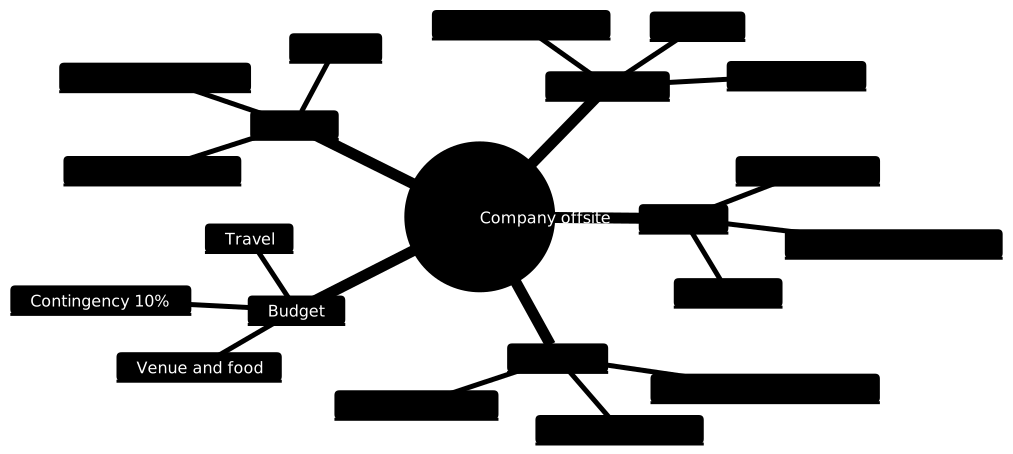
A mind map for planning a company offsite: venue, agenda, budget, travel and follow-ups.
Then reshape it by asking
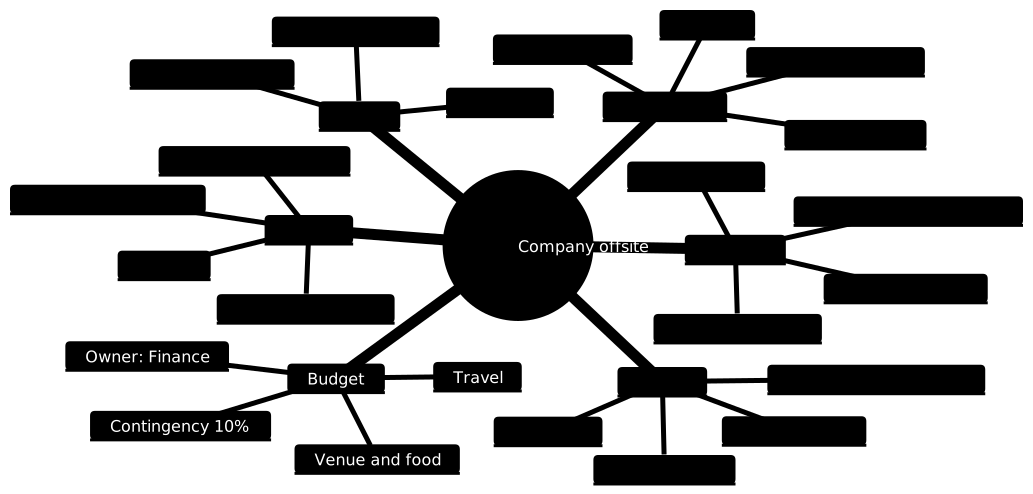
One follow-up request added owners under each branch and a new Risks branch. Nothing was dragged.
Follow-up request
Add a Risks branch with weather, low attendance and budget overrun, and put a "who owns it" note under each of the five main branches.
One AI action. The previous version stays in history, so you can undo, compare or restore it at any time.
What you can ask for
- Add, rename, merge or remove branches
- Move items between branches ("move Travel under Budget")
- Expand a branch with more detail ("give Agenda a schedule for each day")
- Attach owners, dates or status to items
- Turn the map into a flowchart or a timeline once the order becomes clear
When a mind map is the right format
- Early planning and brainstorming, when you know the pieces but not the order.
- Scoping a project or a document outline before committing to structure.
- Summarizing a discussion by topic rather than by sequence.
When it is not
- The items happen in a fixed order or have decisions. Use a flowchart.
- Timing matters, with dates and durations. A Gantt chart or timeline shows it better, and the roadmap template is one to start from.
- Hundreds of items: a mind map stops being readable well before that; split by theme.
Limits to know before you start
- Branches are placed automatically around the center; you cannot drag a branch to a specific side.
- Each item is a short label. Long sentences make the map wide, so keep notes in the chat.
- Guest and Free exports carry a small chatplot.io mark; Pro removes it. Export formats are PNG and SVG.
- AI edits use actions from your plan; theme changes, exports and share links never do.
Free to try, no account needed
- Guest: 5 AI actions to try it, up to 3 diagrams saved in this browser, PNG and SVG export with a small chatplot.io mark.
- Free account (Google sign-in): 10 AI actions every month, unlimited diagrams synced to your account, exports with the mark.
- Pro: $15 per month or $144 per year, 500 AI actions a month, exports without the mark, PNG up to 3× resolution.
One AI action = one create or edit request that produces a diagram. Failed requests are not charged; templates, history, direction and theme changes, exports and share links never use actions. Team and Enterprise plans are not available. Full pricing.
Guides that go deeper
Questions before you start
Can I turn the mind map into a plan later?
Is there a template?
How many items can one map hold?
Try it on a process you keep explaining
Paste the description, get the mind map, then ask for the changes you would ask a colleague for.