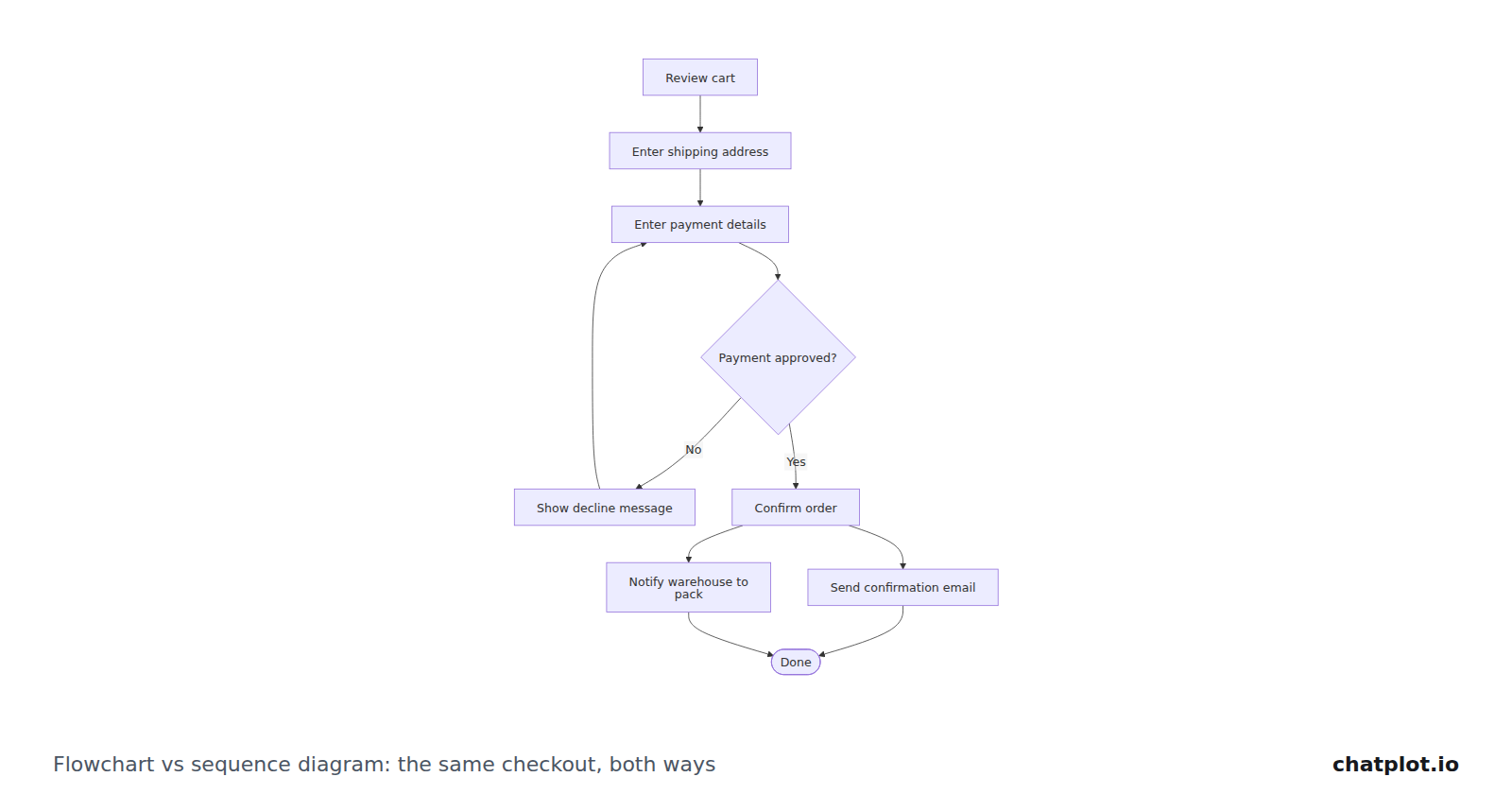
Flowchart vs sequence diagram: the same checkout drawn both ways
One checkout process, drawn as a flowchart and as a sequence diagram, with what each format makes obvious, what it hides, and how to pick between them.
 ChatPlot
ChatPlot Blog
How to turn notes and descriptions into diagrams that hold up in a review, which format to pick, and where other tools are the better fit. Every diagram on these pages was produced by ChatPlot from the text shown next to it.
One checkout process, drawn as a flowchart and as a sequence diagram, with what each format makes obvious, what it hides, and how to pick between them.
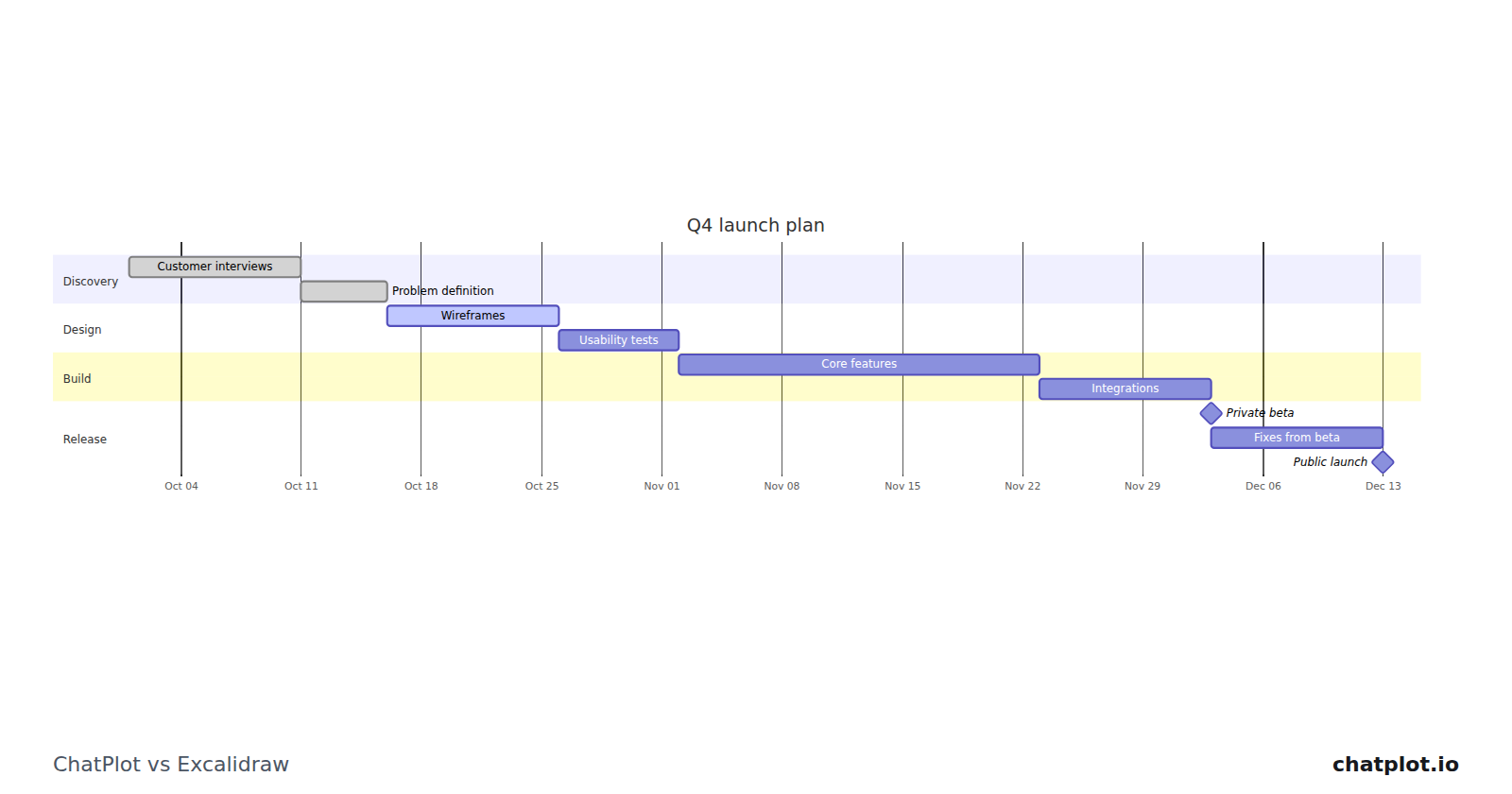
Excalidraw is a free, open-source whiteboard for hand-drawn sketches you make yourself. ChatPlot turns a written description into a diagram and edits it when you ask.
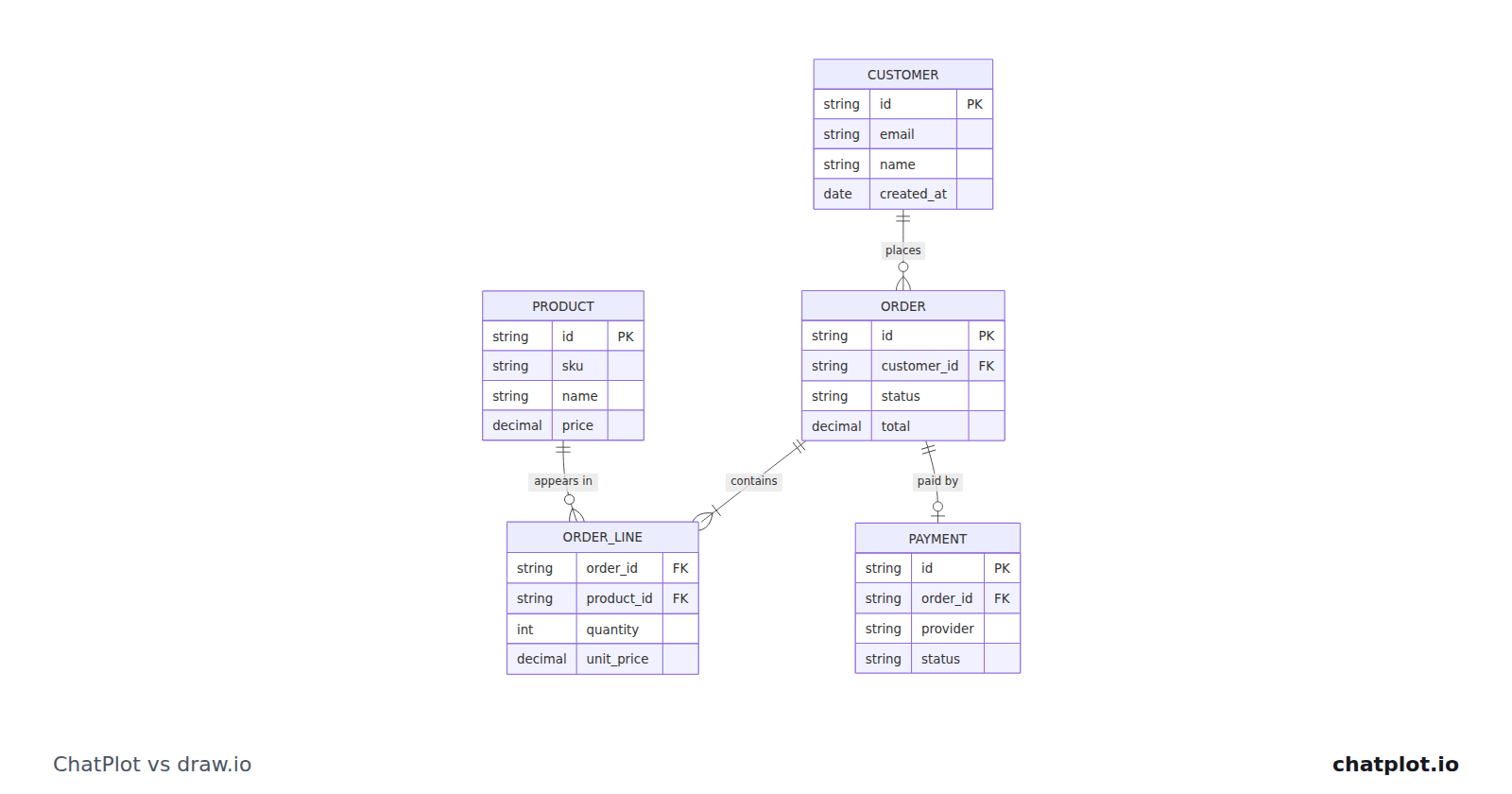
draw.io is free, open source and built for drawing diagrams yourself. ChatPlot draws them from a description and changes them when you ask.
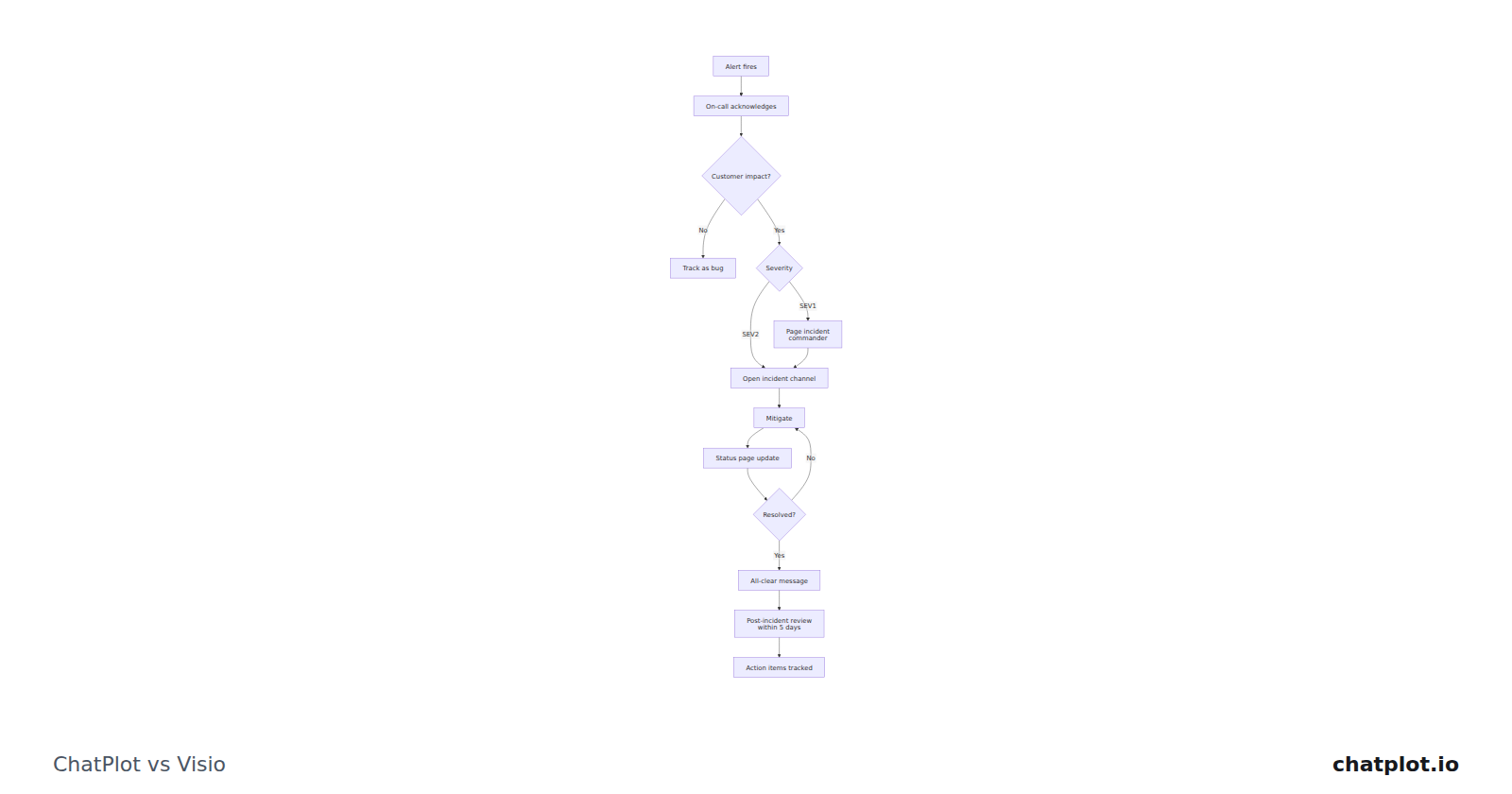
Visio is a Microsoft 365 drawing tool with shape libraries, file formats and per-user plans. ChatPlot draws a diagram from a description and edits it when you ask.
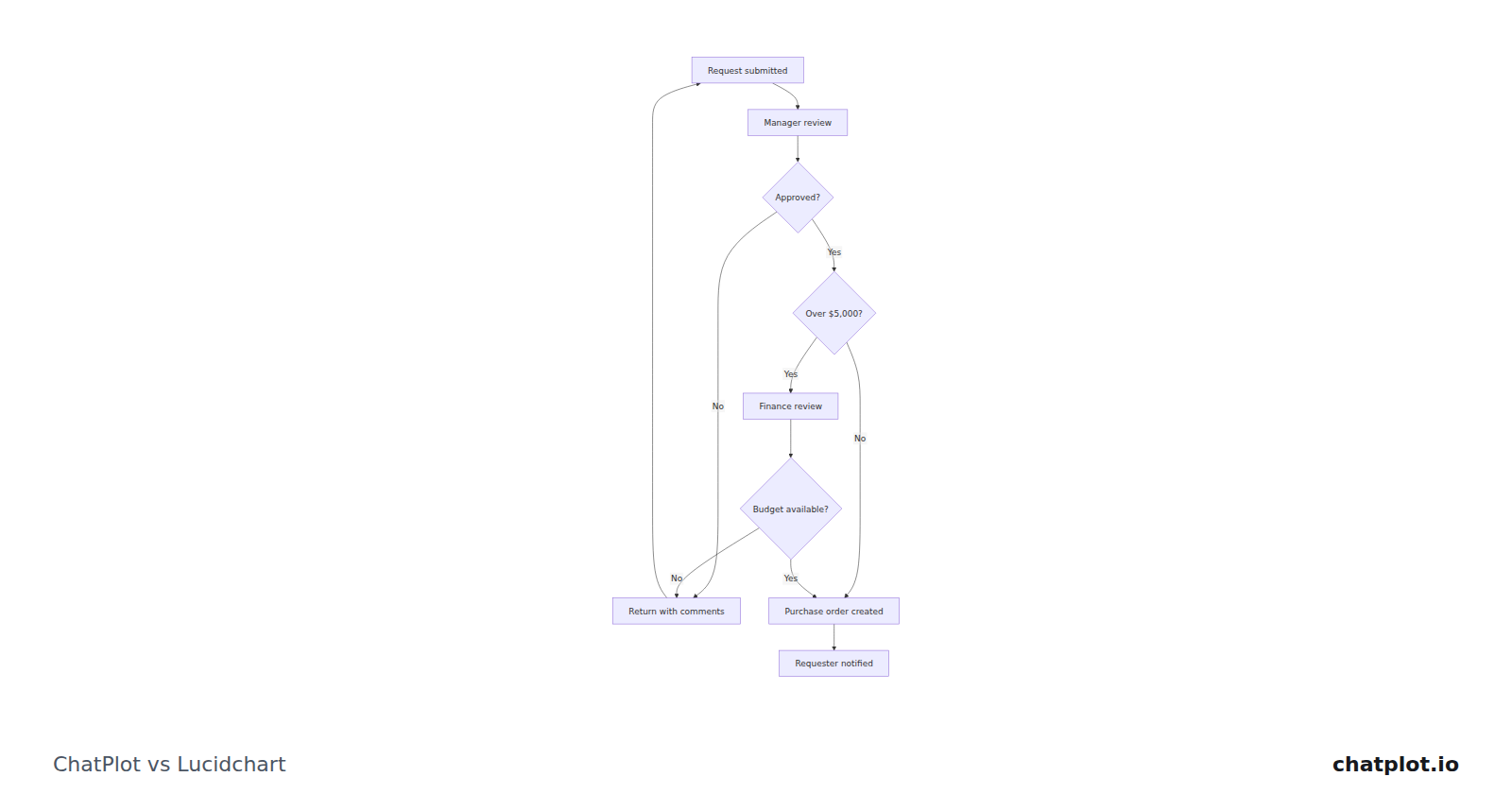
Lucidchart gives you documents, shapes and templates to build with. ChatPlot draws the diagram from your description and edits it when you ask.
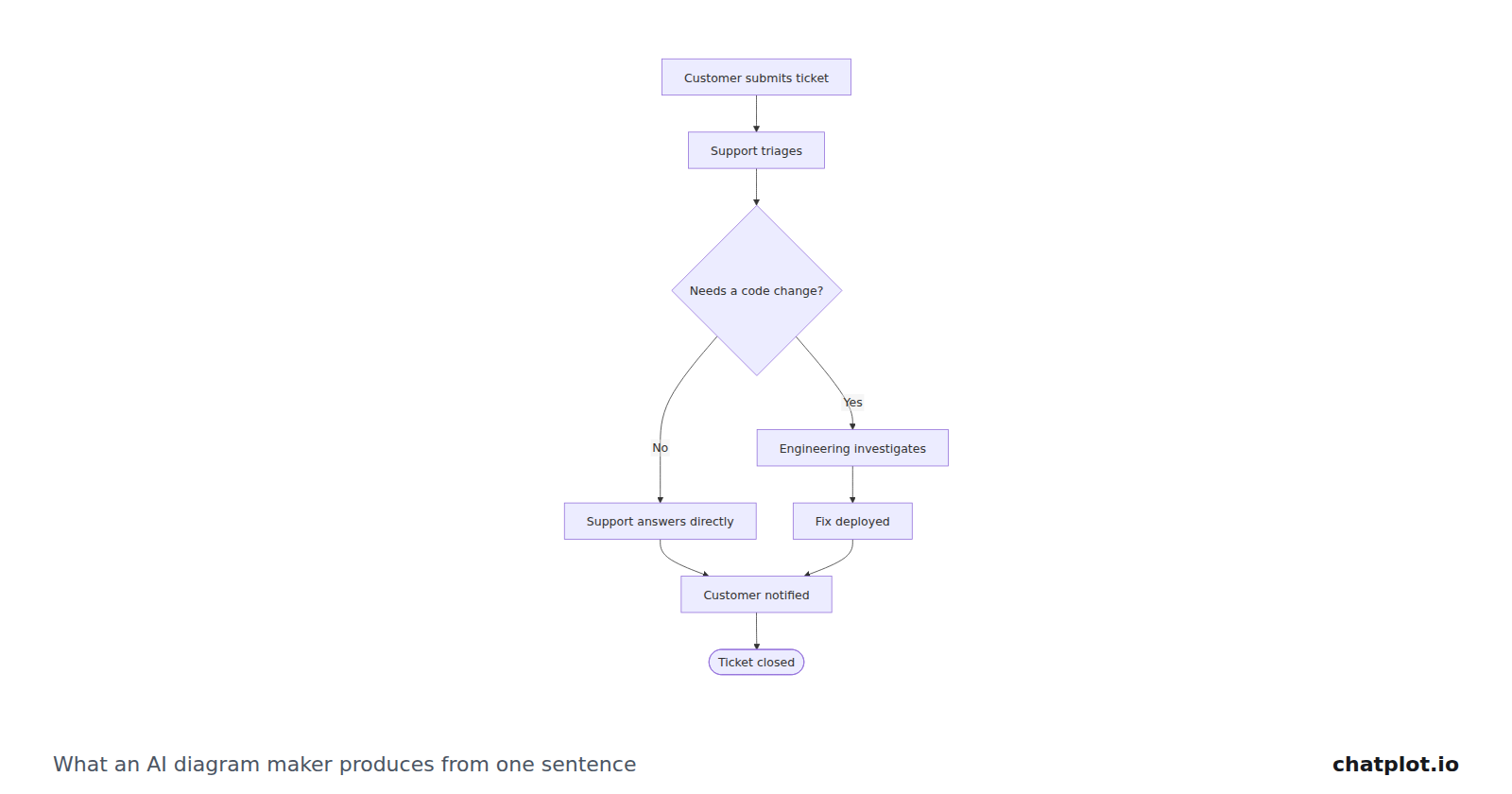
What happens between your description and the finished picture, the two kinds of tool you will meet, and eight questions that separate them.
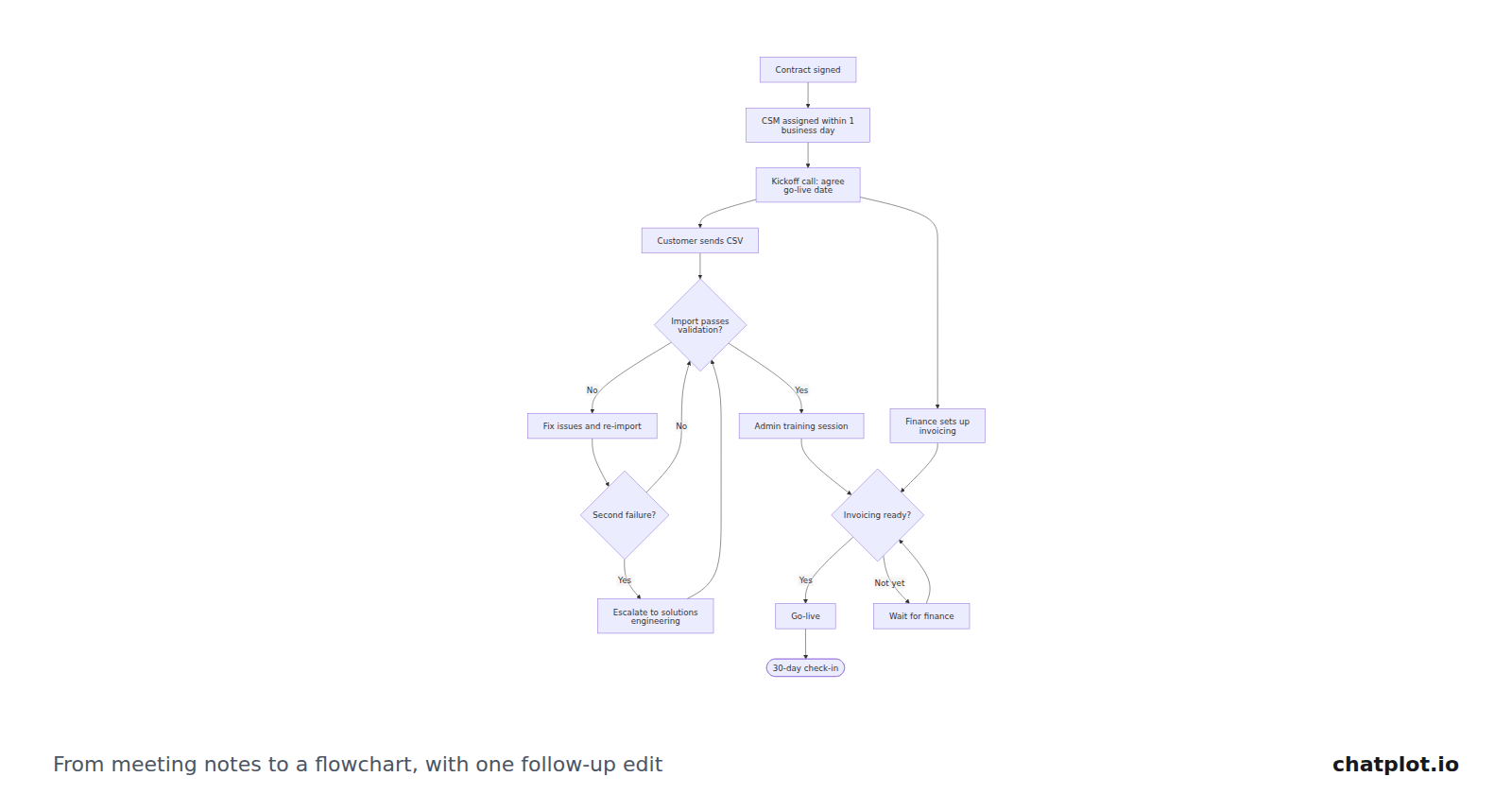
Rough ops-meeting notes, pasted in without tidying, turned into a flowchart: what the tool worked out, what it guessed, and what to check before you share it.
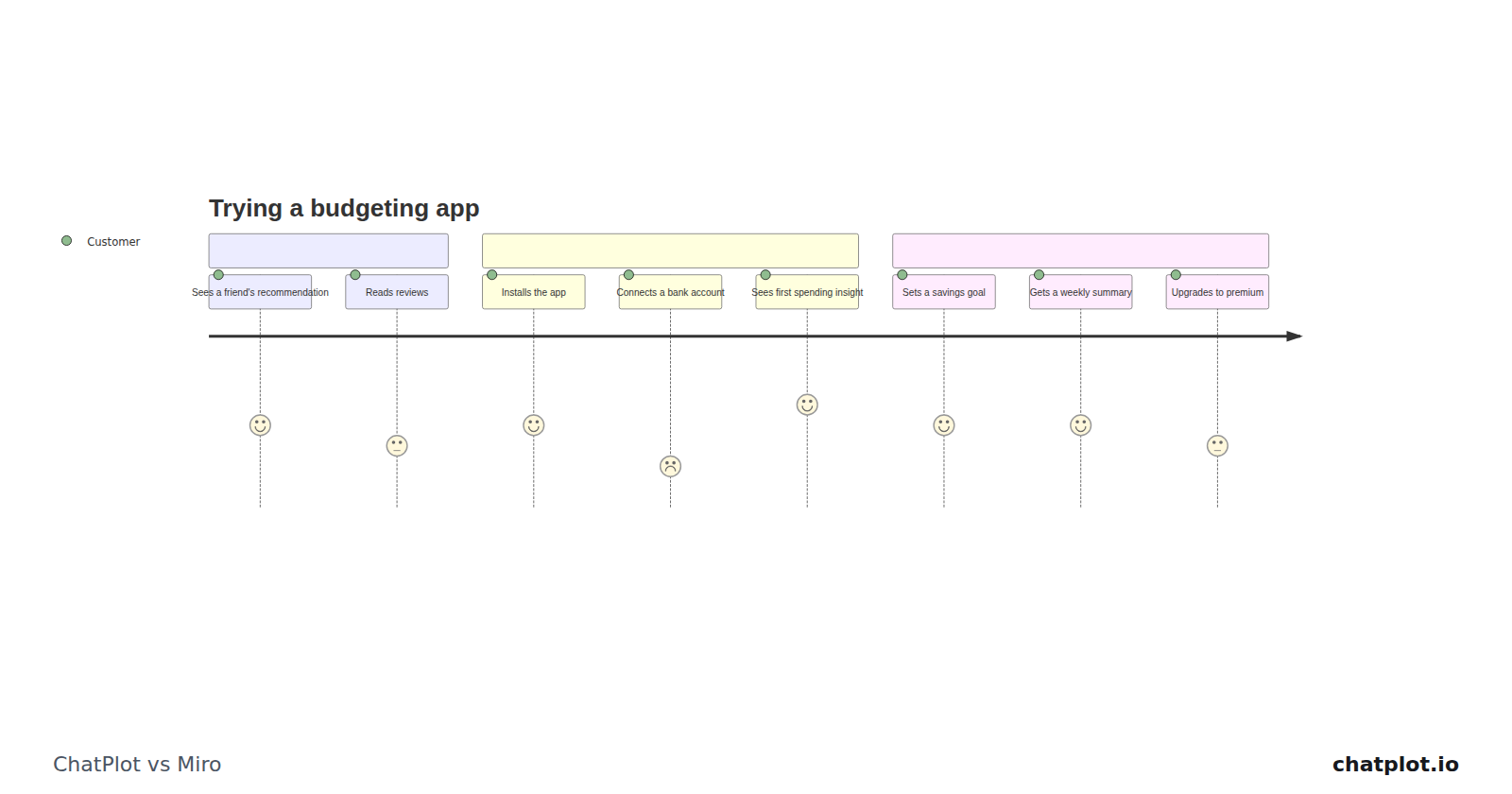
Miro is a shared board you build things on. ChatPlot draws a diagram from a description and changes it when you ask in words.
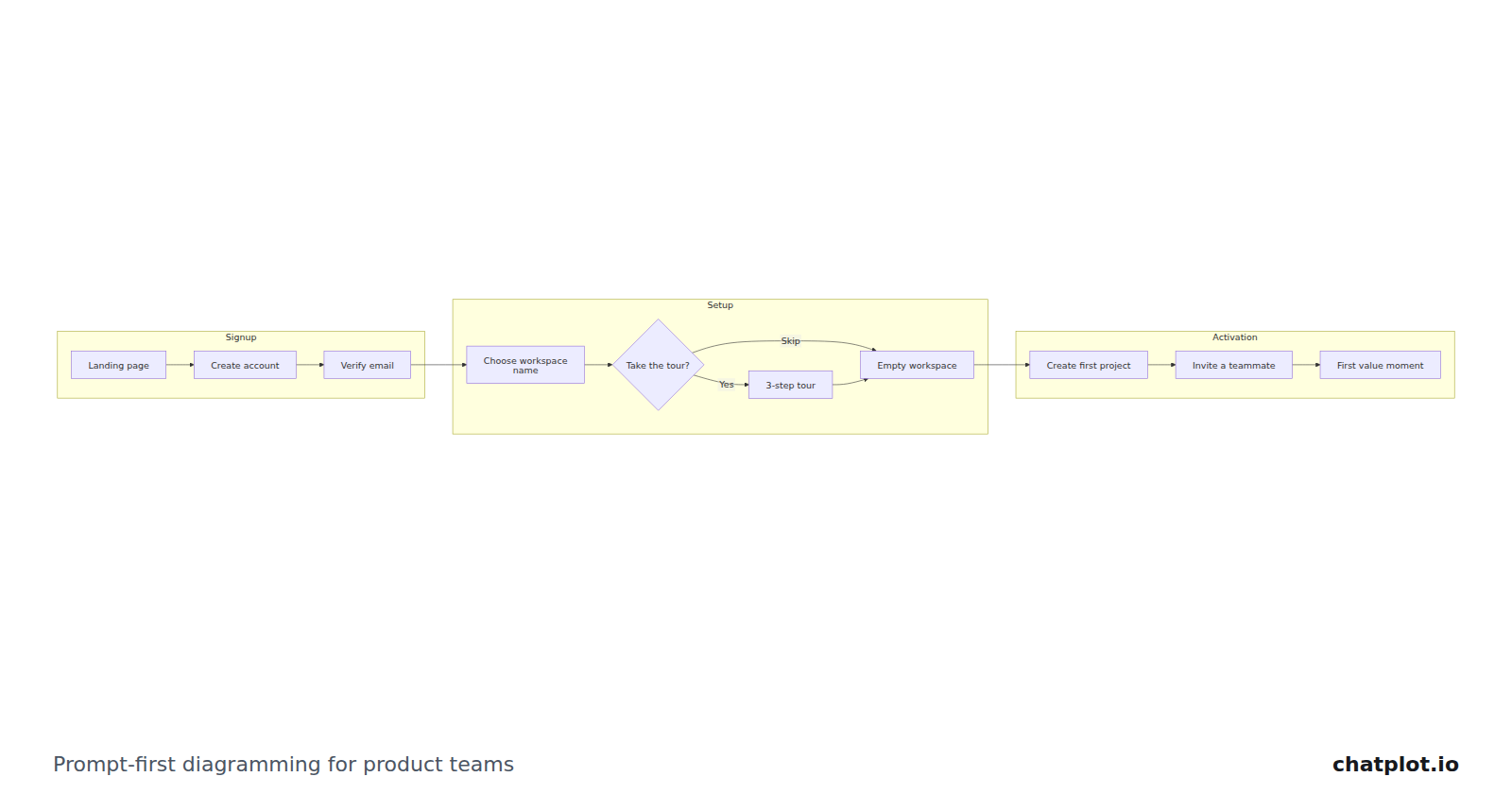
A workflow for product teams: write the flow in plain language, read the diagram back, then change it by asking. Includes a real prompt and the edits that follow.